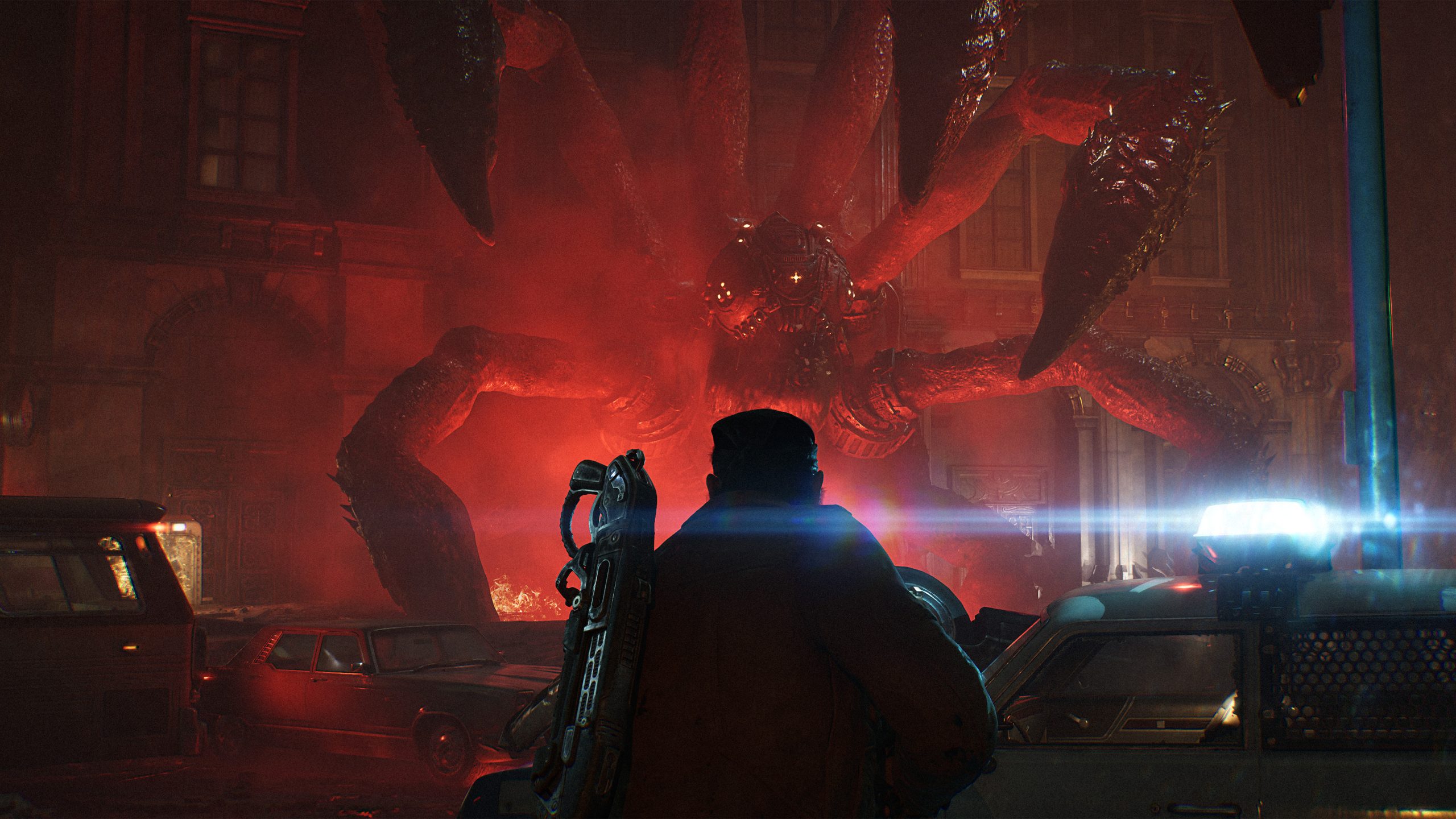
Gears of War: E-Day Xbox Series X Performance Guide & Tips
Discover the ultimate Gears of War: E-Day Xbox Series X performance guide. Learn about graphics modes, frame rates, and settings to optimize your experience.
Published: Gears of War: E-Day Wiki Editorial Team
Table of Contents
The anticipation for Gears of War: E-Day has reached a fever pitch as players prepare to return to the roots of the legendary Locust conflict. As a technical showcase for Unreal Engine 5, understanding the Gears of War: E-Day Xbox Series X performance profile is essential for every player looking to experience the gritty, high-fidelity atmosphere exactly as The Coalition intended.
Whether you are a competitive PvP enthusiast or a campaign completionist, knowing how your hardware handles the intense action of Emergence Day can be the difference between survival and defeat. This guide breaks down the visual settings, frame rate targets, and optimization strategies to ensure your time with the game is as smooth as possible.
Understanding the Xbox Series X Visual Modes
The Coalition has designed Gears of War: E-Day with multiple graphical presets to cater to different display capabilities and player preferences. Achieving the best Gears of War: E-Day Xbox Series X performance requires choosing the right mode for your specific monitor or TV setup.
The game offers three distinct modes on the Series X, each balancing resolution, visual fidelity, and frame rate. Below is a breakdown of how these modes function during standard gameplay:
Mode
Target Frame Rate
Internal Resolution (Approx.)
Best Used For
Quality
30 FPS
~1152p
Cinematic exploration
Balanced
40 FPS
~1000p
High-fidelity gameplay
Performance
60 FPS
~936p
Competitive combat
Note: All modes utilize TSR (Temporal Super Resolution) upscaling to achieve a sharp 4K output.
Why Choose Performance Mode?
For most players, the Performance mode is the gold standard. While it targets a lower internal resolution, the fluidity of 60 FPS is critical in a fast-paced cover shooter. Based on community reports, the extra frames provide a significant advantage during the chaotic Horde Siege mode, where reaction time is everything.
Competitive PvP and High Frame Rate Options
When you step into the competitive arena, the game logic changes significantly. Unlike the campaign, the PvP experience prioritizes responsiveness. To maintain a competitive edge, the game defaults to a dedicated performance profile.
If you own a 120Hz-capable display, you can unlock additional headroom. While neither console hits a locked 120 FPS, the high frame rate option utilizes VRR (Variable Refresh Rate) to smooth out the experience, which is a massive upgrade over standard 60Hz play.
Tip
Optimize for PvP
Ensure your Xbox display settings are set to 120Hz and VRR is enabled in the system menu. This will allow the game to unlock the high frame rate toggle, providing a much more fluid visual experience in 4v4 multiplayer matches.
Technical Deep Dive: Unreal Engine 5 Features
Gears of War: E-Day is a landmark title for Unreal Engine 5, pushing boundaries with technologies like MegaLights and Nanite skinning. The Gears of War: E-Day Xbox Series X performance is largely defined by how these systems interact with the console's architecture.
MegaLights, for instance, allows for thousands of dynamic, shadow-casting light sources (such as muzzle flashes and explosions) without the performance overhead found in traditional rendering. This is why the game feels so "alive" during combat—every light source reacts to the environment in real-time.
Comparison of Key Rendering Technologies
Technology
Impact on Visuals
Performance Cost
MegaLights
Dynamic lighting/shadows
Optimized for 60 FPS
Nanite Skinning
High-poly characters
Low impact on frame rate
Hardware Lumen
Global illumination
High (Requires GPU power)
Tips for Improving Consistency
Even with optimized settings, players may encounter occasional dips in performance, particularly during traversal or highly complex scenes. According to official developer insights and Digital Foundry’s technical analysis, the game’s engine is pushing the hardware to its absolute limits.
To mitigate minor performance spikes:
Clear your cache: A simple restart of your Xbox Series X can clear temporary data that might cause stuttering.
Check your cooling: Ensure your console has adequate ventilation, as the intensive nature of UE5 will cause the system to run warmer than less demanding titles.
Use VRR: If your TV supports it, VRR is the single most effective way to eliminate screen tearing and frame-time inconsistencies.
Addressing Common Performance Queries
While the game is highly optimized, some players have noted that the Horde Siege mode is particularly demanding on the CPU. Community feedback suggests that keeping your game updated to the latest version is vital, as day-one patches often include critical stability improvements for these high-load scenarios.
Frequently Asked Questions
Q: Does Gears of War: E-Day run at 4K resolution on Xbox Series X?
A: Yes, the game uses TSR upscaling to output at 4K across all modes, though the internal rendering resolution varies depending on whether you choose Quality or Performance settings.
Q: Is there a 120 FPS mode available?
A: There is a "high frame rate" option for competitive PvP that targets higher than 60 FPS, but it requires a 120Hz display and VRR support to function effectively.
Q: Why does my game stutter during large battles?
A: Gears of War: E-Day uses advanced engine tech that can be CPU-intensive. If you notice drops, check if your console is in "Balanced" or "Performance" mode to help maintain a more consistent frame rate.
Q: Can I change my graphics settings mid-game?
A: Yes, you can toggle between the three graphics modes in the settings menu at any time to find the balance that works best for your current encounter.